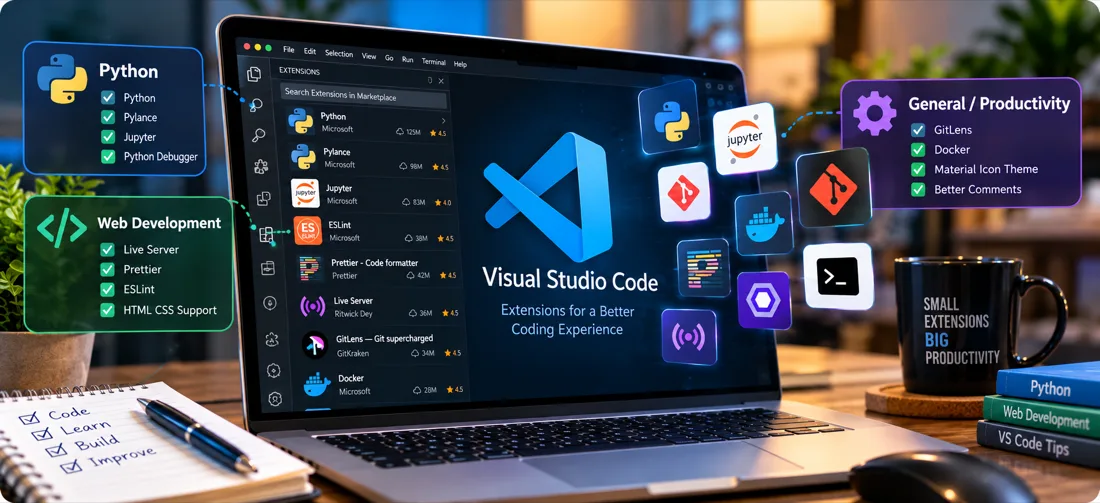
VS Code is useful out of the box, but most of its value comes from extensions. The temptation is to install everything that looks interesting; the result is a slow editor full of overlapping features. This is a smaller set worth having, grouped by what they actually do.
Python development
- Python (Microsoft) — the essential one. Interpreter selection, debugging, test discovery and environment management.
- Pylance — fast language server providing type checking, intelligent completion and go-to-definition. Setting
python.analysis.typeCheckingModetobasiccatches a surprising number of bugs before you run anything. - Jupyter — run notebooks directly in the editor, which keeps exploratory analysis in the same window as the rest of the project.
Web development
- Live Server — serves a local page with automatic reload on save. For static HTML and CSS work this removes the constant manual refresh.
- Prettier — opinionated formatting for HTML, CSS, JavaScript and JSON. Its value is ending formatting debates, not the specific style it picks.
- ESLint — catches genuine JavaScript errors, not just style issues. Unused variables and accidental globals surface as you type.
- Auto Rename Tag — renames the matching closing tag when you edit an opening one.
Working with any language
- GitLens — shows who last changed a line and why, inline. Invaluable when returning to code written months ago.
- Error Lens — moves diagnostics inline next to the offending line instead of hiding them in the Problems panel. One of the few extensions that changes how quickly you notice mistakes.
- Path Intellisense — autocompletes file paths, which prevents a whole category of broken-import mistakes.
- Code Spell Checker — catches typos in comments, strings and variable names.
Databases and APIs
- SQLTools — connect to MySQL, PostgreSQL and others, and run queries without leaving the editor.
- REST Client — send HTTP requests from a plain
.httpfile. The requests live in the repository alongside the code, which is easier to share than a separate API client's local collection.
A few settings worth changing
Several of the biggest improvements are settings rather than extensions:
{
  "editor.formatOnSave": true,
  "editor.rulers": [80, 120],
  "files.trimTrailingWhitespace": true,
  "files.insertFinalNewline": true,
  "editor.bracketPairColorization.enabled": true,
  "workbench.editor.enablePreview": false
}
Turning off preview mode is a small change with a disproportionate effect: files opened from the explorer stay open instead of replacing each other.
Keeping the install lean
A few habits keep things manageable:
- Use workspace recommendations. A
.vscode/extensions.jsonfile suggests the right extensions per project rather than installing them globally. - Disable rather than uninstall when unsure — extensions can be disabled per workspace.
- Review periodically. Run Developer: Show Running Extensions to see which are actually slow to activate.
- Avoid overlap. Two formatters fighting over the same file type produces confusing results on save.
What not to install
Themes and icon packs are harmless. Be more cautious with extensions that run code automatically, request broad filesystem access, or duplicate functionality already built in — VS Code now includes Git integration, a terminal, search and refactoring that once needed extensions. Checking publisher and install count before installing is a reasonable habit, since extensions run with the same permissions as the editor.