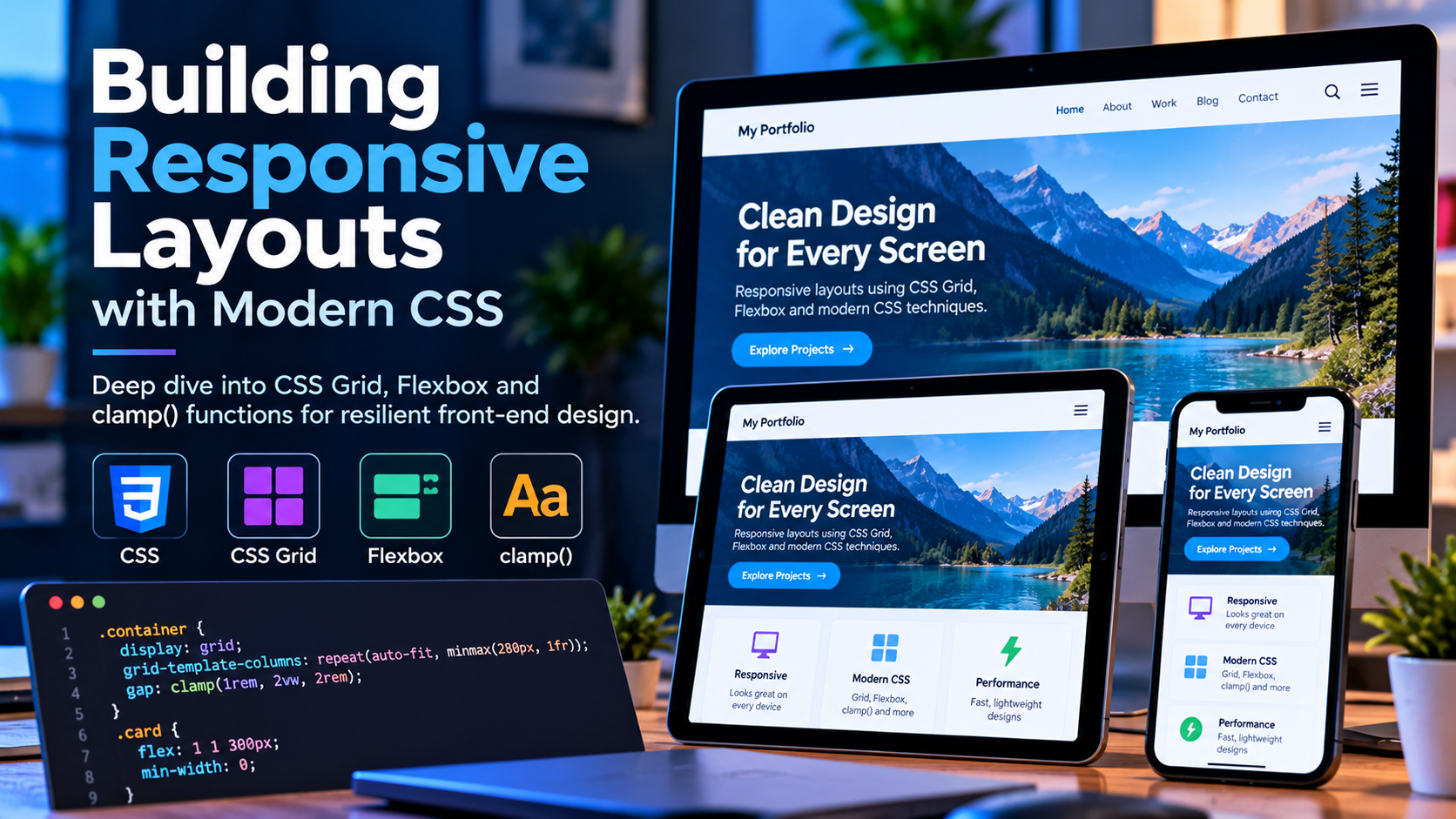
Responsive layout used to mean a stack of media queries and a grid framework. Modern CSS has made most of that unnecessary. Flexbox, Grid and a handful of functions now handle the majority of responsive work with considerably less code.
Start mobile-first
Write the base styles for the smallest screen, then add complexity upward with min-width queries:
.card-grid {
  display: grid;
  gap: 1.5rem;
  grid-template-columns: 1fr;
}

@media (min-width: 768px) {
  .card-grid { grid-template-columns: repeat(2, 1fr); }
}

@media (min-width: 1200px) {
  .card-grid { grid-template-columns: repeat(3, 1fr); }
}
Working upward means the simplest layout is the default, so a screen size you did not anticipate degrades to something readable rather than something broken.
Responsive grids without media queries
This single declaration replaces most breakpoint-based grids:
.card-grid {
  display: grid;
  gap: 1.5rem;
  grid-template-columns: repeat(auto-fit, minmax(280px, 1fr));
}
Columns are at least 280px wide, and as many fit as the container allows. It reflows continuously rather than jumping at fixed breakpoints.
One caveat worth knowing: auto-fit collapses empty tracks so existing items stretch to fill the row, while auto-fill keeps them, leaving gaps. auto-fit is usually what you want.
Fluid typography with clamp()
clamp() takes a minimum, a preferred value and a maximum:
h1 {
  font-size: clamp(1.75rem, 1.2rem + 2.5vw, 3.5rem);
}

.container {
  width: min(100% - 2rem, 1200px);
  margin-inline: auto;
}
The heading scales smoothly with the viewport but never becomes unreadably small or absurdly large. The container pattern gives a maximum width with a consistent gutter, in one line and with no media query.
Flexbox for one-dimensional layout
Grid handles rows and columns together; Flexbox handles a single direction, which suits navigation bars and button groups:
.nav {
  display: flex;
  flex-wrap: wrap;
  align-items: center;
  gap: 1rem;
}
flex-wrap: wrap is what makes this responsive — items move to a new line rather than overflowing. Combined with gap, it removes the margin-juggling that older flex layouts needed.
Images that behave
img {
  max-width: 100%;
  height: auto;
  display: block;
}

.card__image {
  aspect-ratio: 16 / 9;
  object-fit: cover;
}
Setting aspect-ratio with object-fit: cover keeps cards uniform regardless of the source image dimensions, and reserves the space before the image loads, which prevents layout shift.
Container queries
Media queries respond to the viewport, but a component often needs to respond to the space it has been given. Container queries address exactly that:
.card-wrapper { container-type: inline-size; }

@container (min-width: 400px) {
  .card { display: grid; grid-template-columns: 120px 1fr; }
}
The same card can now render as a stack in a narrow sidebar and side-by-side in a wide main column, without knowing anything about the page it sits in.
Respect motion preferences
@media (prefers-reduced-motion: reduce) {
  *, *::before, *::after {
    animation-duration: 0.01ms !important;
    transition-duration: 0.01ms !important;
  }
}
This is a genuine accessibility requirement, not a nicety — motion can cause real discomfort for some people.
Avoiding horizontal overflow
Horizontal scrolling on mobile is the most common responsive bug. The usual causes:
- A fixed width wider than the viewport
- A grid item with
min-width: autorefusing to shrink below its content — setmin-width: 0 - Long unbreakable strings;
overflow-wrap: anywherehandles these 100vwon a page with a visible scrollbar, which is slightly wider than the content area
Test by narrowing the browser rather than trusting the layout to behave.