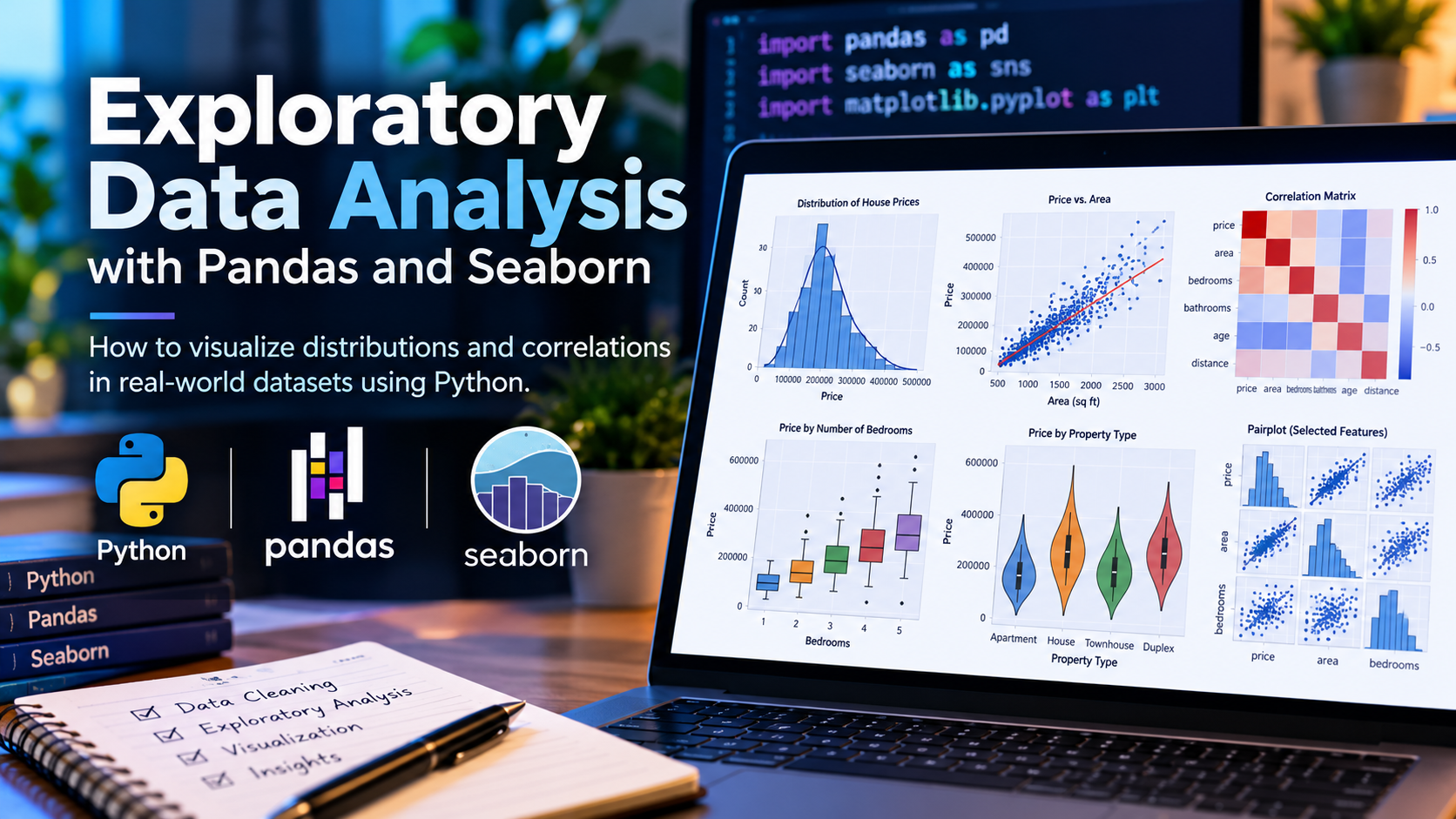
Exploratory Data Analysis is the stage between loading a dataset and deciding what to do with it. The aim is to understand the shape of the data, find problems, and form the questions worth answering. Pandas handles the summarising; Seaborn handles the visual part.
Starting point
import pandas as pd
import seaborn as sns
import matplotlib.pyplot as plt

sns.set_theme(style="whitegrid")
df = pd.read_csv("data.csv")
Understand the structure first
df.shape
df.info()
df.describe(include="all")
df.isnull().sum().sort_values(ascending=False)
df.duplicated().sum()
Reading info() carefully is worth the time. A numeric column stored as object usually means stray text, a currency symbol or a thousands separator somewhere in the file — and every later calculation on that column will be wrong until it is fixed.
Distributions of single variables
For numeric columns, a histogram shows the shape and reveals skew:
sns.histplot(data=df, x="price", bins=40, kde=True)
plt.show()
A boxplot makes outliers explicit:
sns.boxplot(data=df, x="price")
plt.show()
For categorical columns, counts are usually enough:
df["city"].value_counts()
sns.countplot(data=df, y="city",
              order=df["city"].value_counts().index)
Ordering by frequency makes a count plot considerably easier to read than the default alphabetical order.
Relationships between variables
A correlation heatmap gives a quick overview of which numeric columns move together:
corr = df.select_dtypes("number").corr()

sns.heatmap(corr, annot=True, fmt=".2f", cmap="coolwarm",
            center=0, square=True)
plt.show()
Two cautions. Correlation measures linear relationships only, so a strong non-linear relationship can show near zero. And correlation says nothing about cause.
For a specific pair, a scatter plot shows what the single number hides:
sns.scatterplot(data=df, x="area", y="price", hue="city", alpha=0.6)Setting alpha below 1 matters once you have more than a few hundred points, otherwise dense regions become a solid block.
Comparing groups
sns.boxplot(data=df, x="property_type", y="price")

sns.violinplot(data=df, x="property_type", y="price")

df.groupby("property_type")["price"].agg(["count", "mean", "median", "std"])
Reporting the median alongside the mean is worth the habit. Where they diverge noticeably, the distribution is skewed and the mean alone will mislead.
Missing data
Before deciding how to handle gaps, look at where they are:
missing = df.isnull().mean().sort_values(ascending=False)
missing[missing > 0]

sns.heatmap(df.isnull(), cbar=False)
The heatmap sometimes reveals that missingness is structured — concentrated in a date range or in one category — which is itself a finding. Values missing for a reason should not be filled as though they were random.
A workable EDA sequence
- Check shape, types and duplicates
- Quantify and locate missing values
- Examine each variable's distribution individually
- Look at relationships between pairs
- Compare across meaningful groups
- Write down what you found and what remains uncertain
Two things worth remembering
EDA is not about producing attractive charts. It is about noticing what is wrong or surprising before building anything on top of the data. Most of the plots you make during exploration are for you alone and should be discarded.
Keep notes as you go. The observation that one category has only a handful of rows, or that a column is missing for an entire month, is easy to spot during exploration and easy to forget by the time it matters.